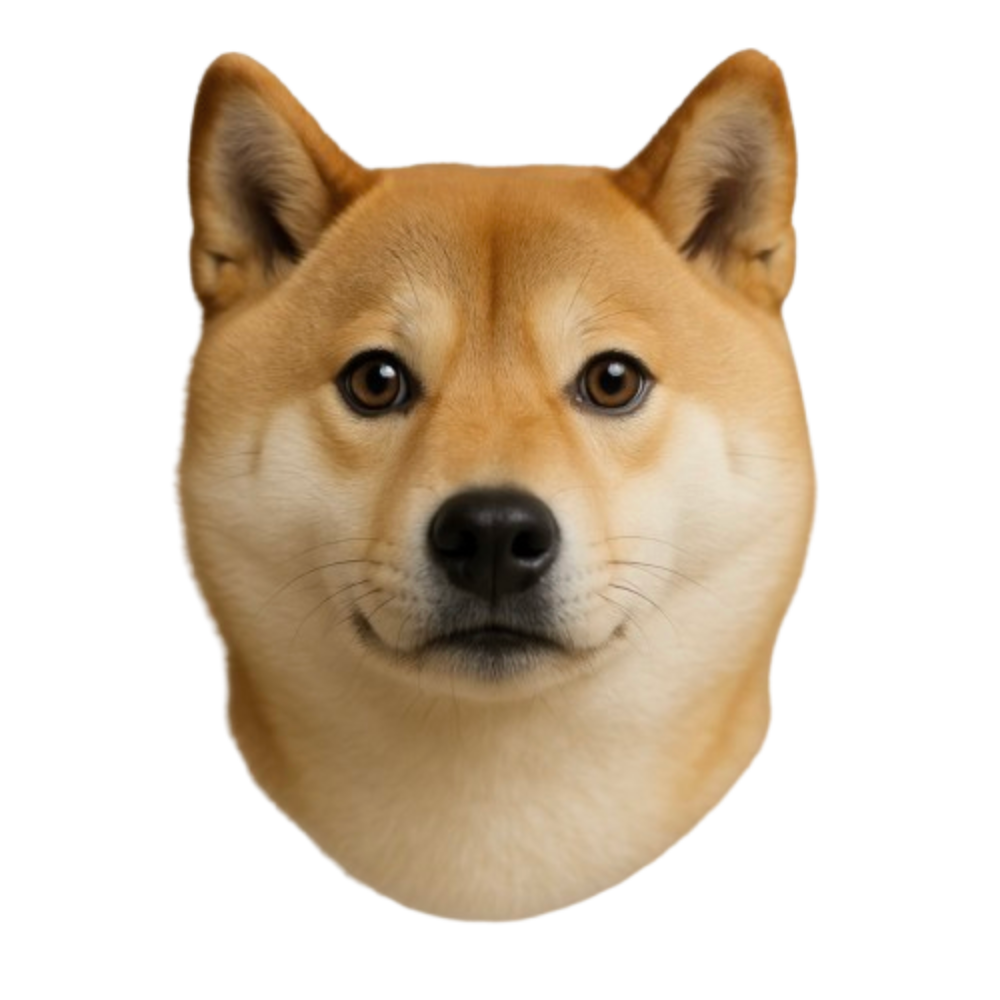
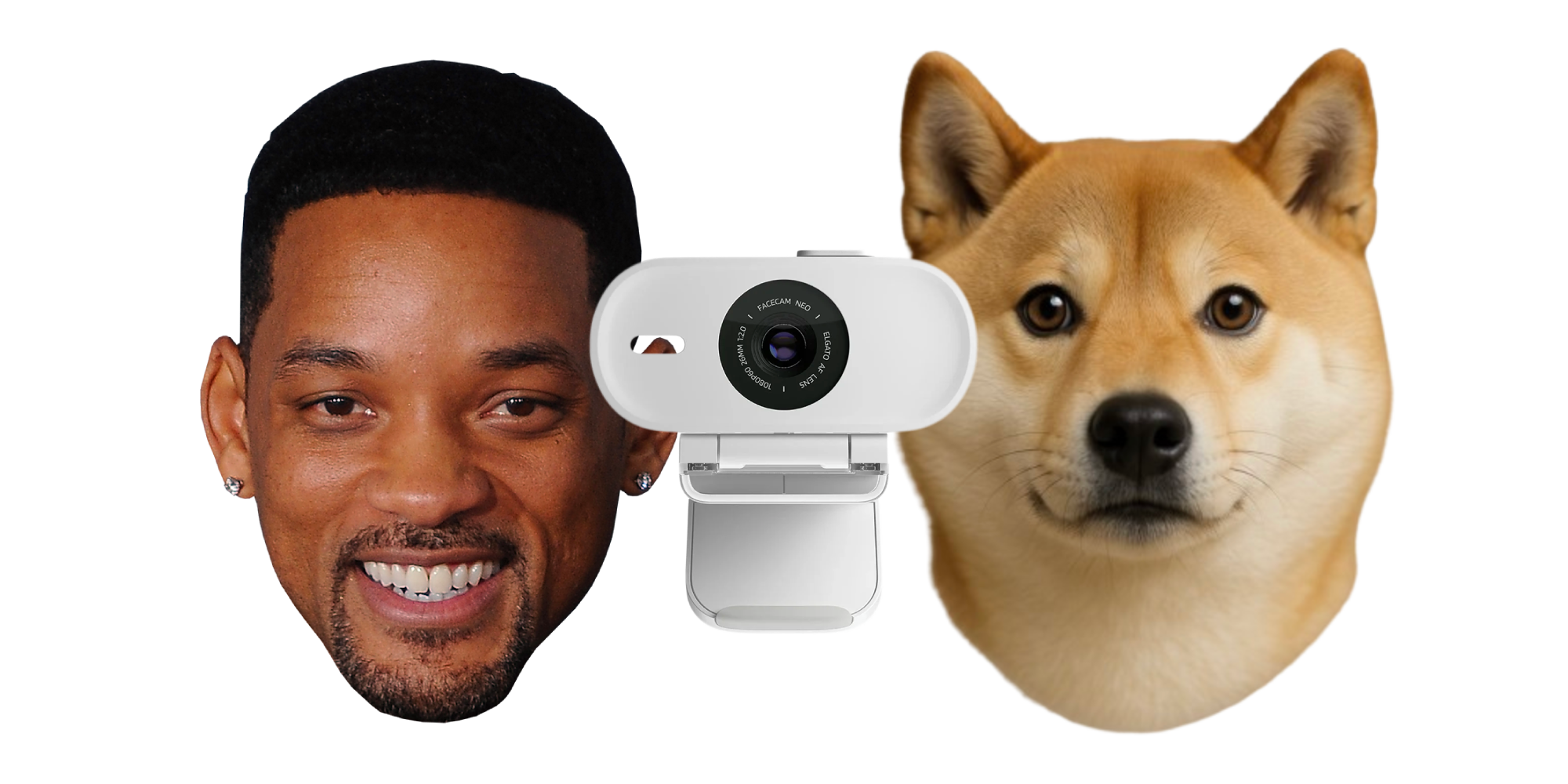
Turn your webcam into any character. Stream on Discord, Zoom, Twitch, YouTube and more.
Works on all platforms
Compatible with Mac, Windows, Linux, and mobile devices
Bring your character anywhere
Stream Without Showing Your Face
Broadcast your character live to Twitch or YouTube while staying fully expressive and anonymous. Perfect for creators who want presence, personality, and privacy.
Built for performance
🎬
1080p+ rendering
Full HD avatar rendering directly in your browser
⚡
Instant loading
Avatars load near-instantly after first use — no waiting around
♾️
Unlimited streaming
Stream as long as you want with no time limits or session caps
🖥️
Runs locally
No cloud servers during streaming. Your avatar renders on your device for zero lag
Customize your avatar
Evolve your avatar after creation
Create your avatar, then keep refining it. Change outfits, hairstyles, accessories, and backgrounds at any time, so your look can adapt to new moods, scenes, and contexts.
Simple, Flexible Pricing
Pay as you go with top-ups, or unlock everything with Pro
Free
$0
/month
Unlimited streaming with credits for avatar creation
Unlimited streaming
Stream with your avatar as long as you want
25 free credits
Credits on sign up to create avatars and videos
All styles & accessories
Full access to every style and accessory
Top up anytime
Purchase additional credits whenever you need
No commitment
No subscription required to get started
Pro
7 day trial
$0
/month
For creators who want unlimited access to pro features
60fps+ streaming
Smooth, high-framerate avatar streaming
Green screen support
Remove backgrounds for professional streaming
Unlimited length video generation
Generate videos of any length
No watermarks
Stream, generated videos and export without Janus branding
Expression customization
Fine-tune avatar movement and expression sensitivity
Monthly credits
0 credits monthly
How it works
1. Take a photo of yourself
Take a selfie, or upload a photo.
2. Start streaming
Connect your webcam and microphone.
3. Go live
Your stream is ready. Use our Chrome extension or OBS to broadcast to your favorite platform.
Frequently Asked Questions
Janus is a real-time character animation platform that lets you become any character using just your webcam. Your avatar rendered directly in your browser, driven by your facial expressions and movements. Use it on Discord, Zoom, Twitch, YouTube, and more — no special hardware or setup required.
Janus generates a 3D avatar from a photo or prompt, then renders it directly in your browser. Your webcam tracks your facial expressions and movements, animating the avatar in real-time at 1080p+. No cloud servers are needed during streaming — everything runs locally on your device.
Janus works with all major streaming and video conferencing platforms including Discord, Twitch, YouTube, Zoom, Google Meet, OBS Studio, and any application that supports virtual cameras. You can use it for gaming, streaming, video calls, content creation, and more.
No special equipment is needed! All you need is a standard webcam and microphone. Janus works with any webcam, including built-in laptop cameras. Your avatar renders directly in your browser — no expensive GPU hardware or motion capture equipment required.
No. We don't store the photos you upload to generate the avatars. We only send them to our image generation providers for processing.
Janus offers a free tier with credits to get you started and unlimited streaming time. You only pay for avatar creation and video generation — streaming is always free with no time limits. For access to greenscreen support, and no watermarks & 60+ fps streaming, you can upgrade to Pro.
Your privacy is our priority. All facial tracking happens in real-time and we don't store your webcam footage. We only process the data needed to animate your character during your active session. You maintain full control over when your camera is active and what gets shared. Images uploaded when creating an avatar from an image are also not stored on our servers, they are only used in transit to generate the final avatar.
Janus works best with a modern computer and a recent version of Chrome or a Chromium-based browser. A webcam with at least 720p resolution will give you the best results, though it works with any webcam. Since avatars render locally in your browser, a reasonably capable device will ensure smooth performance.
Yes! Janus works perfectly on Mac (macOS), including MacBook Pro, MacBook Air, iMac, and Mac Studio. Avatars render directly in your browser as Gaussian splats, so any modern Mac handles it with ease. It also works seamlessly on Windows, Linux, and even mobile devices. Whether you're on an M1/M2/M3 Mac or Intel Mac, you can stream with any character using just your built-in webcam and Chrome browser.